In this article
Do you need your camera on in every remote meeting to be seen as reliable?
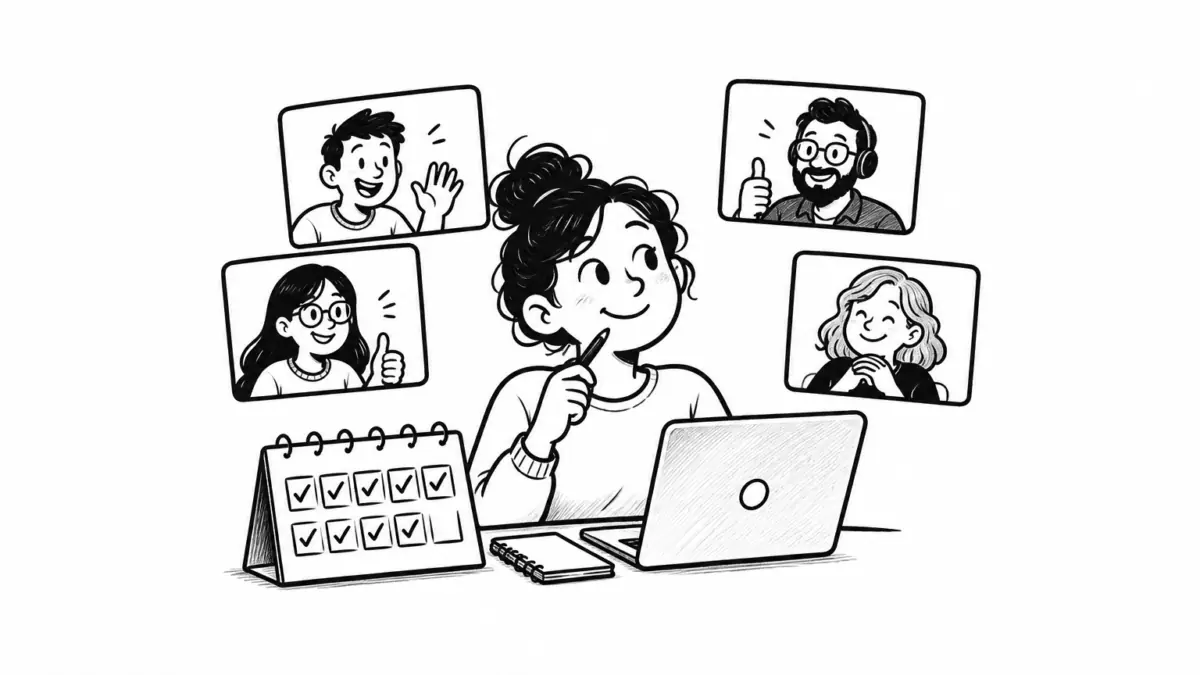
Many remote employees behave as if the answer is yes. They switch video on for a routine project update, leave it on while someone shares a spreadsheet, and keep it on through meetings where they may speak once—because a black square can seem like an accusation waiting to happen. If colleagues cannot see you, the reasoning goes, they may assume you are distracted, disengaged, or unavailable.
The problem is that a camera is a weak measure of any of those things. It shows a face in a frame. It does not show whether someone read the brief, understood the tradeoff, raised a useful objection, recorded a decision, or completed the next step.
The useful part of the camera-on instinct is real: video can help when a conversation depends on rapport, subtle reaction, demonstration, or a difficult exchange. The myth begins when that situational choice becomes a standing test of commitment. Remote employees should treat video as one communication mode among several, then make their participation visible through evidence that is harder to misread.
Camera status is an unreliable proxy for participation
A manager running a new team may feel calmer when every tile contains a face. The meeting appears attentive and orderly. A new employee may also choose video because it feels easier to establish a human connection when colleagues have not met in person. Those are understandable preferences. They do not turn a full-camera grid into proof that the meeting is working.
A four-week within-person field experiment of 103 employees found that participants assigned to use cameras in virtual meetings reported greater daily fatigue; that fatigue was associated with lower voice and engagement in meetings. This does not mean video is always harmful or that every employee has the same experience. It does mean that a policy designed to produce visible attention can reduce the very contribution it is meant to encourage.
The research is also less tidy than the slogan “cameras cause fatigue” suggests. A later set of preregistered studies found no clear camera-on effect on fatigue, social presence, or conformity in its samples, while still finding that fatigue itself was associated with greater conformity in virtual discussions. That mixed evidence on camera use and virtual-meeting fatigue is a reason to avoid rigid rules in either direction. A camera can help one person feel connected and make another person spend energy managing their appearance, surroundings, bandwidth, or physical stillness.
There is a second problem with using video as a reliability test: it shifts the meeting’s purpose. Instead of asking, “What must this group decide or understand?” participants start asking, “What appearance of attention is expected?” That encourages a performance of availability. It can also make it harder to say that a meeting should have been a written update, a short audio call, or an asynchronous comment in the first place.
Jeremy Bailenson’s widely cited framework on videoconferencing describes plausible sources of this extra effort, including intensified eye gaze, added work interpreting and sending nonverbal signals, self-view, and restricted movement. The author is careful to present these as mechanisms requiring continued testing, not as a universal verdict on video. Still, the nonverbal-overload framework explains why a camera requirement can change the cost of a meeting even when the agenda stays the same.
Sort meetings by what needs to be observed
Do not start with a personal preference for cameras on or off. Start with the work the meeting needs to accomplish. The question is not whether video makes a meeting friendlier in the abstract. It is whether seeing faces or objects will change the quality of the next decision.
A one-to-one conversation after a tense project handoff may benefit from video because hesitation, confusion, or relief could change how you respond. A design critique may benefit when participants are presenting work and need rapid clarification. A 20-minute project update where the owner reads three milestones aloud usually does not become clearer because twelve people remain framed from the shoulders up.
| Meeting situation | What the group needs | Useful camera expectation |
|---|---|---|
| First one-to-one or relationship repair | Trust, careful listening, and room for a sensitive response | Invite video at the start; allow an audio alternative when needed. |
| Working session with a shared document | Edits, choices, and named owners | Prioritize the document and verbal contributions; cameras are optional. |
| Small workshop or critique | Questions, disagreement, and quick clarification | Use video for the facilitator and active speakers; do not confuse silence on video with agreement. |
| Information-only update | A concise record of what changed and what happens next | Use written notes, audio, or a short recording unless live discussion is genuinely needed. |
| External presentation or interview | Professional introduction and a readable exchange | Plan to use video if the setting permits; prepare an alternative if a technical or access issue arises. |
The distinction is especially useful in recurring meetings. A meeting can begin as a relationship-building ritual and later turn into a status broadcast. If its job changes, the camera norm should change too. Keeping the original rule because “that is how we do this meeting” is how low-value rituals become difficult to challenge.
Ask what visual information would change
Before turning video into an expectation, name the information it is supposed to provide. If the answer is “We want to know people are paying attention,” the meeting has a design problem. Attention should be demonstrated through a question, a decision, an edit, a vote, a brief recap, or an assigned action.
If the answer is “We need to react to a difficult message together,” video may be reasonable. If the answer is “We need to see how the presenter uses a physical device,” video is probably essential. A clear reason makes the expectation easier to follow and easier to revise.
- Read the meeting invitation and identify the decision, relationship task, or demonstration it requires.
- Ask whether visual cues would change how the group makes that decision.
- Separate presenters and active discussants from attendees who only need the outcome.
- Check whether a shared document, written update, or short audio call would do the work better.
- State the camera expectation in the invitation rather than relying on an unspoken norm.
Replace the proof with observable participation
Remote work needs evidence of participation. It simply should not rely mainly on a webcam light. The better evidence is work that another person can use after the call ends.
A short agenda tells attendees what they are being asked to prepare. A shared document gives quieter participants a way to comment without competing for airtime. A decision note records the conclusion, owner, deadline, and unresolved question. A follow-up message lets people correct a misunderstanding before it becomes rework.
These are not bureaucratic extras. Research on remote collaboration at Microsoft found that meeting effectiveness and inclusiveness were correlated with factors including pre-meeting communication, agendas, post-meeting summaries, participation, and people feeling comfortable contributing. The study also found a relationship with video usage, but its wider finding matters more: meeting quality has several observable inputs, not one visual signal.
Consider a weekly operations meeting with eight people. The old routine is familiar: cameras on, a verbal round-robin, and a chat thread full of links that disappear after the call. The meeting owner wants more engagement, so they remind everyone to turn on video. A better repair is to send three questions in advance: What has changed? What decision is needed? What risk needs an owner? During the meeting, the facilitator calls on the decision rather than the person who looks most alert. Afterward, the group has a record that shows who owns what.
That approach also makes camera use less politically loaded. A participant can have their camera off and still arrive prepared, add a comment to the document, challenge a risky assumption, and write the next action. A participant can have their camera on and do none of those things. The work record removes the need to guess.
Make contribution visible before, during, and after
Each phase needs a different signal. Before the meeting, visible participation means reading the prompt and adding relevant context. During the meeting, it means helping the group clarify, decide, or assign ownership. Afterward, it means correcting the record promptly and completing the action you accepted.
This is also fairer to employees whose homes, equipment, time zones, caregiving responsibilities, or connectivity make continuous video inconvenient. You do not need to know the reason someone prefers audio to assess whether they participated. Assess the work the meeting required.
Use exceptions without making the rule meaningless
“Camera optional” should not become an evasive way to avoid conversations that deserve care. There are times when switching video on is a sensible professional choice, especially if you are leading a sensitive one-to-one, presenting to a new client, interviewing a candidate, or asking a colleague to discuss an emotionally charged disagreement. In those moments, video can help establish attention and reduce ambiguity.
But an exception needs a reason and a boundary. “Everyone always has cameras on because it feels more connected” is not a boundary. “For first one-to-ones, the manager will offer video and explain that audio is fine if preferred” is a boundary. “For client presentations, presenters use video for introductions and questions; the audience may choose audio while reviewing the material” is another.
Be wary of the common workaround where a team announces that cameras are optional but a leader repeatedly comments on who is visible. That creates an unwritten mandate. The same is true when a facilitator treats an unreadable expression as evidence of disengagement. A frozen face, a neutral face, a small screen, or a participant looking at a shared document can all be misinterpreted.
The repair is direct: state the meeting purpose, state the video expectation, and state what counts as participation if video is off. That turns a social guess into a workable agreement.
How to propose a better camera norm
You may not control your organization’s policy, especially when a manager has a firm preference. You can still raise the practical problem without turning the conversation into a debate about who likes cameras. Bring a specific meeting, a specific friction, and an alternative that preserves the outcome.
For example, if a weekly 45-minute update requires video but most of the time is spent reviewing a dashboard, ask to test a different structure for two weeks. Send the dashboard and questions beforehand. Keep the live portion for decisions. Invite cameras for the opening or for active discussion rather than requiring them throughout. Then evaluate whether decisions, follow-ups, or misunderstandings changed.
This is stronger than saying, “I do not like being on camera.” It gives the meeting owner something useful to assess: whether the group lost information that mattered, whether people contributed more clearly, and whether the written record improved.
Do not make an individual accommodation carry a team-design problem
If you need an alternative to video for a particular meeting, you do not owe colleagues a detailed personal explanation. A simple, work-focused request is enough. But when several people are quietly making similar requests, the issue may be the meeting design rather than a series of individual exceptions. A recurring event that requires constant display of attention may be asking for proof because it lacks a clear purpose or usable output.
Use this decision rule: turn your camera on when seeing you will materially improve the conversation or the work; otherwise, make your participation visible through preparation, contribution, and a clear record of what happens next.
- Choose one recurring meeting where video is required but rarely affects the work.
- Describe the meeting’s current purpose and the moment when cameras are actually useful.
- Suggest a short trial with an agenda, shared notes, and a defined camera expectation.
- Ask the meeting owner to compare decisions, follow-ups, and unresolved questions after the trial.
- Keep the revised practice if the group can still contribute and act without guessing.
 About the author Ines Martínez
Digital Nomad & Resume Strategist · Spain/Mexico ¡Hola! I am a digital nomad and resume nerd who’s helped over 500 professionals craft winning CVs. My background is in UX writing, but I fell in love with career coaching while traveling across Latin America. I write practical guides and templates that actually help people get hired.