In this article
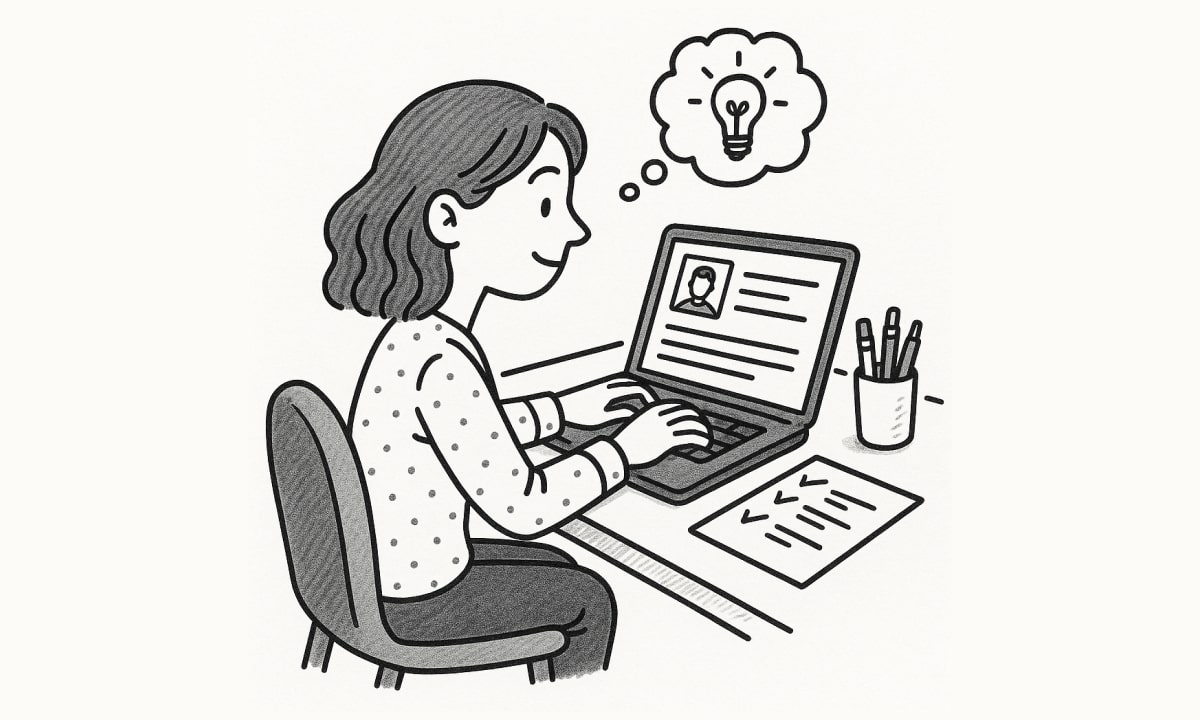
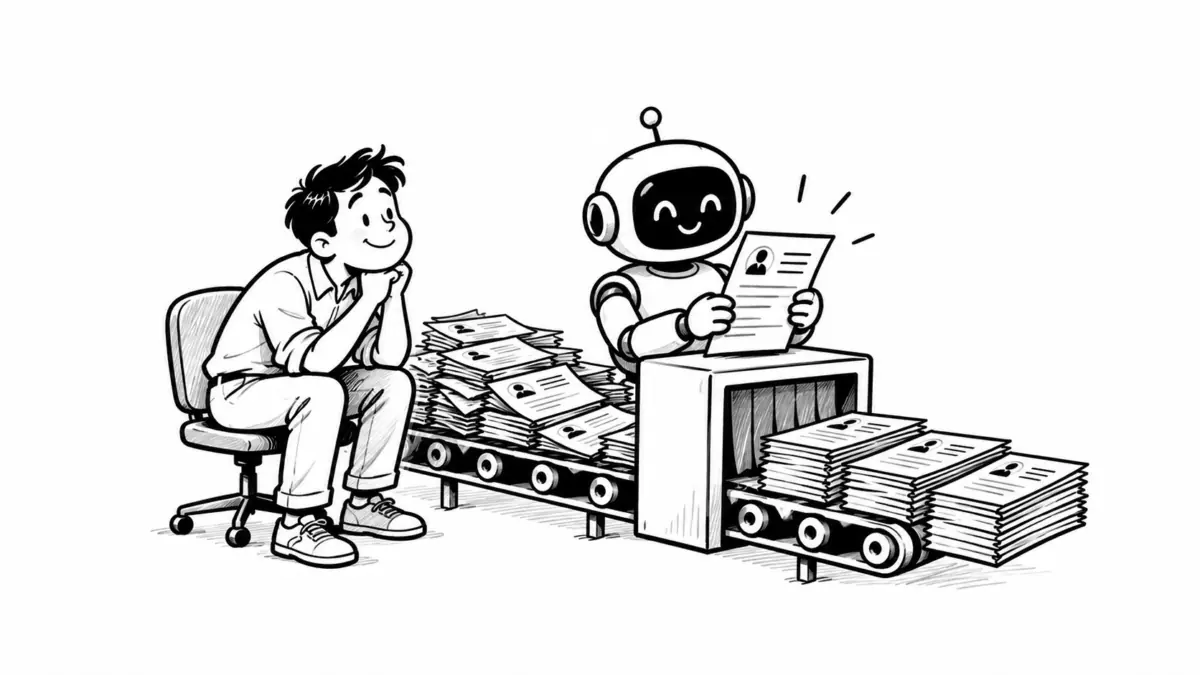
When you click Apply on a remote role, the first reader of your application is almost never a person. The company’s applicant tracking system (ATS), usually Workday, Greenhouse, Lever, iCIMS or a similar platform, turns your file into plain text, splits it into fields and stores it in a database. A recruiter then searches and filters that database. If your resume did not survive the conversion, you can be a strong candidate and still never come up in the search.
Remote roles make this step matter more. A single remote posting can draw applicants from several countries, and recruiters lean on filters such as location, work authorization and job title to get the pile down to something they can actually read. This guide covers what happens to your application in that first step and how to make sure every part of it arrives intact.
What the ATS does with your application
Most systems do three things before a human looks at anything:
- Parse the file. Your PDF or DOCX is converted to text, then the parser guesses which lines are your name, your job titles, your employers, your dates and your skills.
- Store your screening answers. Questions like “Are you authorized to work in the United States?” or “How many years of experience do you have with Salesforce?” are saved as fields that recruiters can filter on.
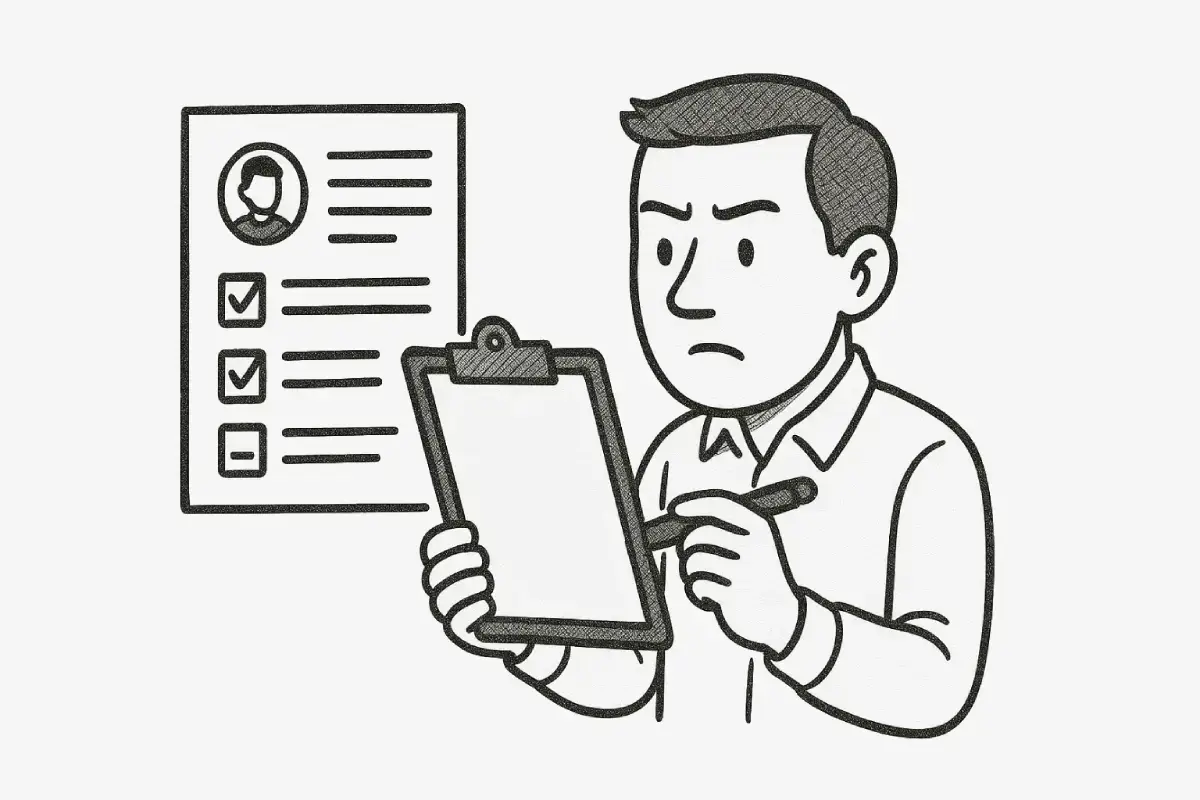
- Make you searchable. A recruiter types a title, a skill or a location and gets a list of matching candidates. Some platforms add a match score; many do not.
The popular claim that “75% of resumes are rejected by robots” has no reliable source behind it. In most companies a person still makes the decision. The real risk is quieter: a resume that parses badly ends up with an empty skills field, a missing job title or scrambled dates, and simply does not appear when the recruiter runs a search.
Build the resume file so nothing gets lost
Parsers are good at reading plain, predictable documents and bad at reading designed ones. The layout choices that cause most problems are easy to avoid:
- One column. Two-column layouts and sidebars are often read straight across both columns, which mixes your skills into your job history.
- Standard headings. Use Summary, Work Experience, Education, Skills and Certifications. A heading like “Where I’ve Made an Impact” may not be recognized as work history.
- Contact details in the body. Many parsers skip the header and footer areas of a document, so keep your name, email and phone number on the first lines of the page itself.
- Real text, not graphics. Skill bars, icons and text inside images carry no readable text at all.
- Consistent dates. Write every date the same way, for example “Mar 2023 – Present”, so the system can work out how long you held each role.
If you are rebuilding your resume from scratch, starting from a plain ATS-friendly resume template is faster than stripping the design out of a decorative one. Clean spacing and a single accent color are fine; the structure underneath is what the parser reads.
Write the lines remote recruiters filter on
Remote hiring adds fields that office-based hiring rarely needs. Recruiters check them early, so make them easy to find.
Location and time zone
“Remote” rarely means “anywhere”. Most remote roles are limited to certain countries, states or time zones because of payroll, tax and meeting overlap. Put your location in the contact line, and add your working-hours overlap when it helps:
Lisbon, Portugal · Works 08:00–17:00 UTC, overlaps with US Eastern mornings
That one line answers a question the recruiter would otherwise have to email you about, or skip you over for.
Work authorization
If the posting is limited to one country, state your status plainly in the screening question and, where it helps, in your summary. Do not leave it for the recruiter to guess.
Evidence of remote work habits
Remote teams care about written communication and working without close supervision. Instead of writing “excellent remote collaboration skills,” show it inside your experience bullets: “Wrote the weekly project update read by 40 people across 6 time zones” or “Ran the release process asynchronously through documented checklists in Notion.” The tools you name also become searchable keywords.
Answer screening questions as carefully as the resume
Screening questions are often where applications are filtered out first, because they produce clean yes/no or numeric fields. Three rules help:
- Answer honestly and precisely. If the question asks for years with a tool, count them. Recruiters notice when an answer says five years and the resume shows two.
- Keep answers consistent with the resume. The location and job titles you give in the questions should match the ones on your resume.
- Use the optional fields. Many remote postings include an optional “Anything else we should know?” box. A two-line note on your time-zone overlap or start date is worth adding.
Treat the cover letter as a writing sample
On many applications the cover letter field is optional, and it is tempting to skip it. For remote roles, that is usually a mistake. A distributed team works through written messages, so a short, clear letter is direct evidence of how you will communicate when nobody is in the same room.
A remote cover letter does not need to be long. Three short paragraphs are enough:
- The match. Name the role and the one or two requirements from the posting you meet most strongly.
- One proof story. Describe a specific piece of work, the result and how you handled it remotely, for example coordinating a launch across time zones.
- The logistics. Your time-zone overlap, your earliest start date and the best way to reach you.
If you are unsure how much detail to include, reading a few cover letter examples written for your own field helps you calibrate tone and length before you draft yours. Then rewrite it for each application; recruiters recognize a generic letter immediately.
When the application has a text box for the letter, paste it there rather than uploading a second file. Text fields are stored as text, so nothing needs to be parsed.
Test the file before you send it
You can approximate what a parser sees in under a minute:
- Open your resume PDF and select all the text.
- Paste it into a plain text editor.
- Read it from top to bottom.
If the sections appear in the wrong order, your skills are mixed into your job history or your contact details are missing, the ATS is likely to see the same problems. Fix the layout and test again. Also check the file name: “firstname-lastname-resume.pdf” is easier for a recruiter to find later than “final_v7.pdf”.
A quick checklist for every remote application
- Single-column resume with standard headings
- Contact details, location and time-zone overlap in the body of the page
- One date format across all roles
- Skills and tools from the posting written as plain text
- Screening answers that match the resume exactly
- A short, tailored cover letter pasted into the text field
- A copy-and-paste test of the PDF before you click Submit
None of this guarantees an interview. What it does is make sure the recruiter is judging your actual experience, not a scrambled version of it.