In this article
A saved webinar is easy to forget. A tutorial becomes useful when you can find the relevant section, follow it without connection problems, and apply what you learned to a task that matters for your career.
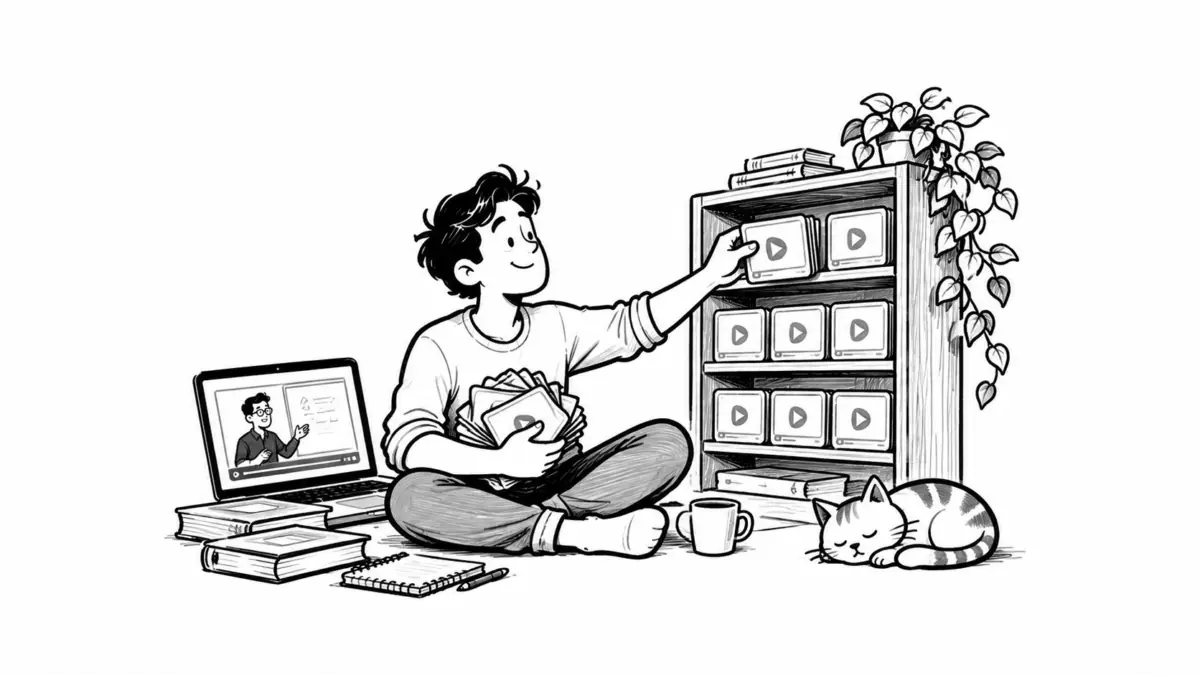
That is the purpose of an offline learning library: a small, organized collection of permitted video downloads, notes, and practice materials built around a professional goal. For job seekers, the goal might be producing a stronger work sample. For remote professionals, it might be handling a new responsibility without needing someone to explain every step.
The opportunity to upskill faster comes from reducing the time spent searching and making more room for practice. Here is how to build a library that supports both.
Why video earns a place in your learning plan
Video has become a core format in online education. Its practical appeal is clear when a skill involves a process: you can watch someone clean a spreadsheet, explain a design decision, or troubleshoot a software error while seeing what happens on screen. Pausing and replaying a difficult step lets you work at your own pace.
However, watching a demonstration and performing the task independently are different achievements. Cynthia Brame’s review of research on effective educational videos, published in 2016, emphasizes managing cognitive load, maintaining engagement, and incorporating active learning. It examines educational settings rather than proving that video automatically accelerates workplace upskilling.
Apply that distinction to your own study. Choose clear explanations, work through manageable sections, and pause to solve a problem. Keep written documentation nearby when you need an exact command, specification, or reference.
Choose a career outcome before collecting files
Begin with something you want to be able to do. “Learn data analysis” is difficult to schedule or assess. “Clean a sample sales dataset, create a pivot table, and explain the main finding” gives you a task and a way to judge your progress.
Job seekers can compare several relevant vacancies and identify a recurring requirement. A remote support specialist might choose writing troubleshooting guides; a designer might choose explaining an accessibility decision. If you are changing careers, distinguish the skills you already use from the specific gaps that need practice.
For an existing role, ask your manager which task would make the biggest practical difference. Agree on any learning time during working hours. A useful weekly goal could be: “By Friday, I can build a basic report from unfamiliar sample data and explain how I checked it.”
Build a small library you can actually use
For your first goal, select a few complementary resources. A talk can explain the reasoning behind a method. A tutorial can demonstrate the steps. A webinar can show how practitioners handle exceptions or answer questions. You do not need all three if one good lesson and an exercise cover the task.
Check the instructor’s relevant experience, the material’s date, and any software version involved. Older lectures may remain useful for fundamentals, while interface instructions can become outdated. Preview the explanation before saving a long recording, and favor resources with captions, transcripts, or accompanying exercises when available.
Start with the publisher’s own download option. For example, this MIT OpenCourseWare problem-session video includes an explicit link for offline viewing. Public lectures and Creative Commons materials can be useful starting points, provided you check the permissions attached to the particular recording.
For videos you own or have permission to download, TubePull is one example of a tool for saving a local copy. Check that the source platform permits the download method you use.
Use folders named for skills or projects rather than a single “Videos” folder. Keep a simple index in a spreadsheet or local document. Each entry should record:
- Resource: title, creator, original URL, and publication date.
- Permission: license or permission details, plus the date you saved it.
- Learning purpose: the task it supports and any prerequisites.
- Study materials: local filename, relevant timestamps, captions, and exercises.
- Progress: next action, practice result, and anything still unclear.
Before relying on the library away from home, disconnect briefly and check that the video, captions, and exercise files open. A bookmark or an online-only cloud file will not provide offline access.
Give the collection a weekly plan
Choose study sessions that fit your actual responsibilities. For remote employees, account for meetings, coverage requirements, and agreed availability; Jobicy’s guide to building a remote work routine can help you place learning within those constraints.
The following is an illustrative week for someone practicing spreadsheet reporting. Adjust the sessions to your starting point and available time.
This week’s outcome: Create a report from a new sample dataset and explain the checks behind it.
Monday — 25 minutes: Watch the relevant tutorial section. Note the purpose of each major step and one question.
Wednesday — 35 minutes: Reproduce the process using different sample data. Look up only the steps where you get stuck.
Friday — 30 minutes: Build the report again, check the totals, and record a brief explanation of the result.
Weekly review — 10 minutes: Identify the remaining gap and choose the next exercise.
If a session is interrupted, leave a precise restart note: “Continue at 12:40; test how blank cells affect the total.” A smaller goal carried into the following week is more useful than repeatedly abandoning an unrealistic schedule.
Leave room in that schedule for people, too. If you already work from home, filling every evening with solo study can leave little time for friends. A recurring dinner, walk, or catch-up call can help you keep a social life when you work from home without giving up your learning goals.
Take notes that lead to a work sample
A transcript preserves what the speaker said. Your notes should capture what you need to understand and do. For each useful section, write three things: the idea in your own words, the timestamp or reference, and a task that will test your understanding.
For example: “A pivot table summarizes records by category. Revisit 08:15 for grouping. Practice: summarize a different dataset and compare the result with the original totals.” This gives your next study session a starting point.
Then close the lesson and attempt the task. When you need help, record the specific obstacle. Was the concept unclear, did the software behave differently, or did your input contain an unexpected value? Use that question to select the next resource.
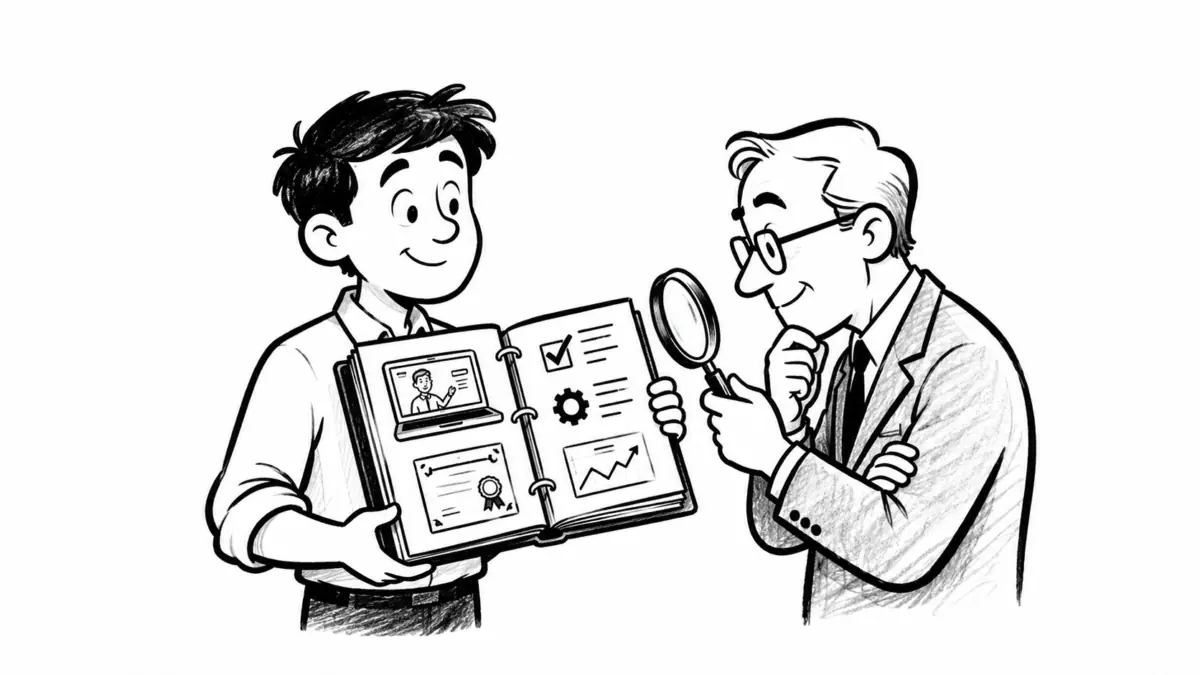
Keep the resulting report, troubleshooting guide, design explanation, or code sample alongside your notes. When refreshing your resume, describe what you can demonstrate accurately. Identify a personal practice project as such, and avoid implying that watching a course gave you client experience or a professional credential.
Keep your own video content backed up
Your learning library may eventually include recordings you create: portfolio demonstrations, presentation rehearsals, or a video resume requested by an employer. Keep those files recoverable independently of the platform where you share them.
Preserve the original recording, editable project files, necessary assets, final export, and captions or transcript. Use clear version names so you can distinguish a draft from the version sent with an application. For client or employer material, use approved storage and confirm what you may retain or publish.
Keep a backup separate from your working device. The UK National Cyber Security Centre’s backup guidance recommends considering both online storage and an external device, protecting online backups with two-step verification, and checking that you can restore important data. It also advises disconnecting external backup devices when they are not in use.
After an important recording or revision, update the backup and occasionally restore a file to check it opens correctly. During your weekly learning review, remove duplicate downloads, flag outdated lessons, and keep the next practice task visible.
A useful learning library should make your next action easy to find: open the right lesson, answer a specific question, and produce something you can explain and improve.